
Full-Color LED Display
A full-color LED display combines red, green and blue light at each pixel to reproduce images, video and live content. Choose the screen around the colors and details viewers must see, the viewing distance, and the place it will operate.
Compare display options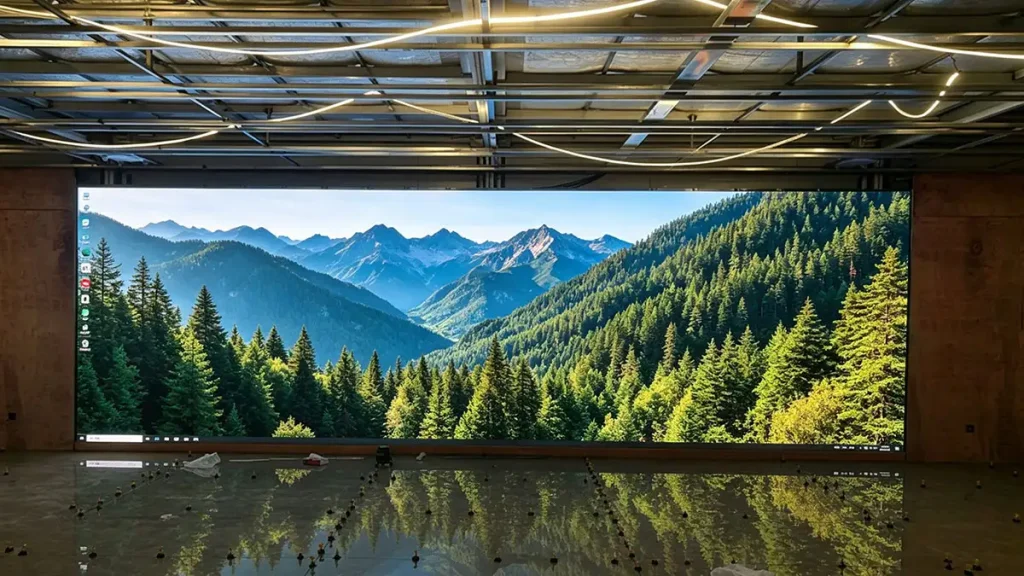
Full-color LED display: match color, pitch and environment
What to verify before approving the image
Start with the audience, content and location
Viewing distance and pixel pitch
Estimate the closest and typical viewing positions, then check whether small text, fine gradients and detailed graphics remain clear at those distances.
Color requirements
Identify brand colors, skin tones, product images, gradients and dark scenes. Ask how the quoted model handles color gamut, calibration and low-grayscale detail.
Ambient light and brightness
Review daylight, room lighting, reflections and viewing angle. Compare brightness after calibration and confirm how operators adjust it for changing conditions.
Plan the full signal path
Confirm source resolution, canvas mapping, controller capacity and the workflow for updating content.
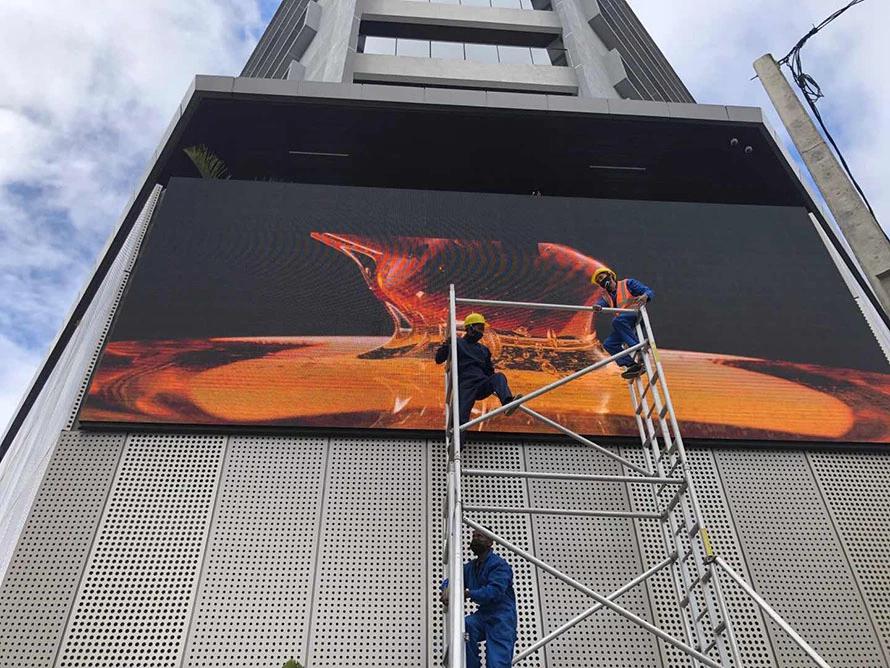
Choose the display family before comparing specifications
Full-color capability is common across several LED display families. The meaningful differences are cabinet construction, pitch range, brightness, protection, service access, calibration and the way each system fits the installation.
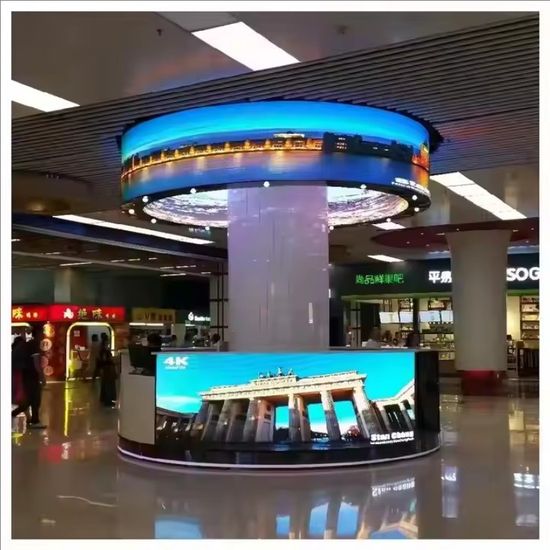
Indoor Fixed LED Display
For controlled lighting and closer viewing, compare pixel pitch, color consistency, viewing angle and service access.
View product familyOutdoor Fixed LED Display
For exposed sites, review calibrated brightness, weather protection, viewing distance and the full installation.
View product familyRental LED Display
For temporary events, prioritize fast assembly, cabinet alignment, transport, service access and repeated setup.
View product familyFine Pitch LED Display
For near-view applications, evaluate pixel pitch, low-grayscale detail, color uniformity and source resolution.
View product familyPlan the full content signal path
Document where content originates, its native resolution, how it maps to the LED canvas, what controller processes it and who operates the system. Test live video, scheduled playback or data feeds with the actual source format before handover.
Content source
List video inputs, live data feeds, playback devices and any required resolutions or frame rates.
Canvas and mapping
Map the source to the LED canvas and note scaling, cropping, processor outputs and any split-screen layouts.
Color calibration
Agree calibration scope, target color settings, uniformity checks and how settings will be retained after service.
Operator handover
Confirm presets, brightness controls, user access, spare parts and a repeatable acceptance record.
Full-color LED display FAQs
What does full-color mean on an LED display?
The pixels combine red, green and blue light at controlled levels to reproduce a range of colors. The phrase does not define the display’s color accuracy or gamut.
Does full-color specify color accuracy?
No. Request model-specific color measurements, calibration conditions and uniformity criteria, then review sample content on the configured system.
How do I choose pixel pitch?
Use the closest and typical viewing distances, the smallest content detail and the total canvas resolution. Compare the result with real content before selecting a pitch.
Can every full-color LED display be used outdoors?
No. Outdoor use requires a product family designed for the site’s weather, ambient light, mounting and maintenance conditions. Confirm the exact model configuration.
Plan a full-color LED display around your content
Share sample artwork, screen dimensions, closest viewing distance, ambient-light conditions and the source or controller workflow. This makes it possible to review color, pitch and system fit together.
Contact Highcolor