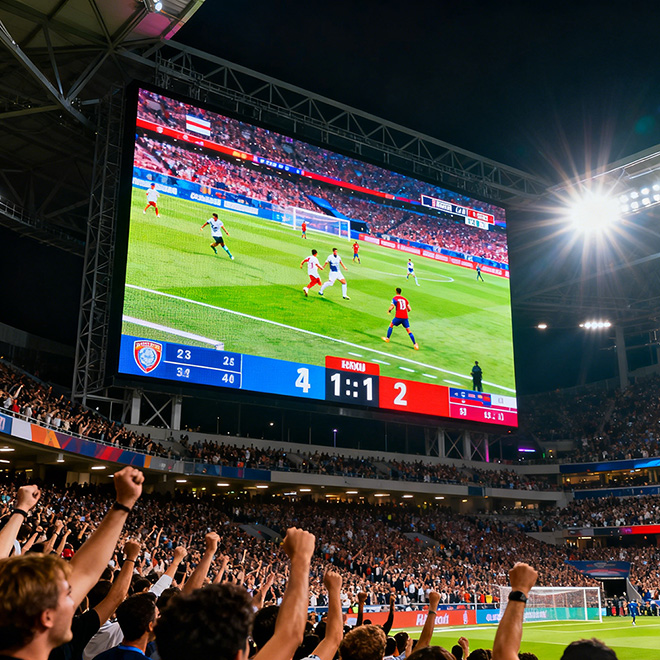
INDOOR
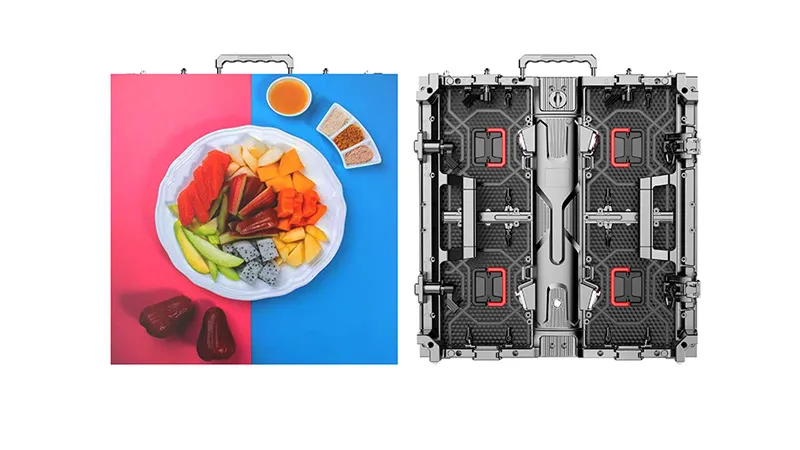
Indoor rental LED display
For conference stages, exhibitions and controlled indoor venues. Prioritize close-view detail, content readability and comfortable brightness.
Pixel pitch rangeP1.5625–P3.906
Cabinet reference500 × 500 mm

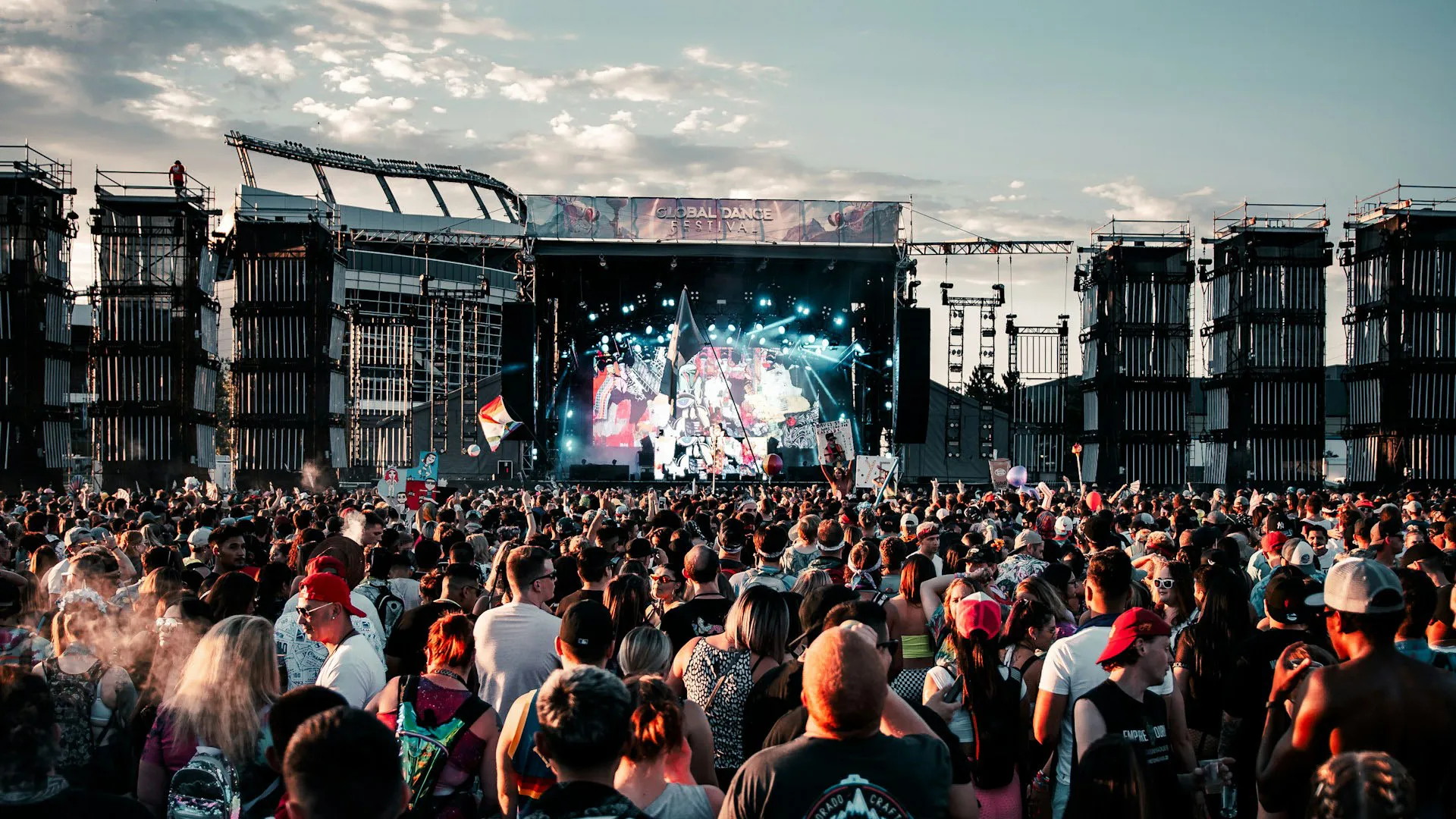
Build your next stage.
Then build the one after that.
Indoor and outdoor LED cabinets for rental fleets, event production and exhibition projects. Start with the right panel. Plan the complete system.
Choose an indoor or outdoor configuration first. Then refine pixel pitch, wall dimensions and installation requirements.
For conference stages, exhibitions and controlled indoor venues. Prioritize close-view detail, content readability and comfortable brightness.
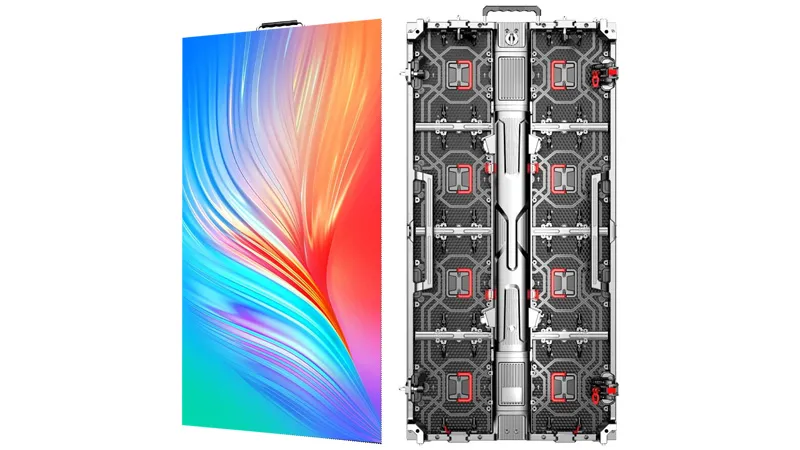
For open-air stages, festivals and outdoor event screens. Start with ambient light, exposure and the approved installation arrangement.
A useful equipment specification connects image quality with the way your team builds, operates and moves the wall.
Share the nearest viewer distance and sample content. Fine text, presentation slides and camera backgrounds need different evaluations from stage visuals.
Set the cabinet grid before creating content. Match the resulting pixel canvas to the processor, playback system and intended aspect ratio.
Specify the support method, wall height and venue conditions. Request the matching hardware schedule and structural review for that configuration.
Discuss camera shutter settings, repeat deployments, service access and spare modules. Refresh rate alone does not establish camera performance.
A focused comparison of the published 500 × 500 mm cabinet references. Open the series pages for the complete pitch options.
| Specification | Indoor P2.604 | Outdoor P2.604 |
|---|---|---|
| Cabinet dimensions | 500 × 500 × 72 mm | 500 × 500 × 72 mm |
| Native cabinet resolution | 192 × 192 pixels | 192 × 192 pixels |
| Cabinet weight | 7 kg | 7 kg |
| Brightness | 0–800 cd/m² | 4,000–5,000 cd/m² |
| Refresh rate | 3,840 Hz | 1,920–3,840 Hz, configuration dependent |
| Service access | Front / rear | Front / rear |
| Power, average / maximum | 230 / 680 W/m² | 260 / 800 W/m² |
| Environmental protection | IP30 | Confirm front / rear ratings for selected model |
Reference values from the published indoor and outdoor series specifications. Confirm the selected model, brightness, driver configuration, environmental ratings and accessories in the final quotation. Other pitches and cabinet formats can differ.
Explore a rectangular wall made from 500 × 500 mm cabinets. Send the configuration with your project brief for a complete system proposal.
Grid dimensions are multiples of 0.5 m. Calculations use the published native cabinet resolution, rather than rounding pitch labels.
Area: 18.00 m². Reference average display power: 4.14 kW. Values are reference calculations, not measured event consumption.
Use this configuration ↗Planning estimate for display cabinets only. Power distribution, supporting structure, controller capacity and installation loads require project-specific design. No hanging or stacking capacity is implied by this layout.
Use these four workstreams to define the equipment scope. Ask for each item and quantity to be listed in the quotation.
Cabinet model and quantity, selected LED and driver configuration, spare modules, power supplies, receiving cards and calibration requirements.
Processor and sending system, source resolutions, input types, signal routing, power and data cable lengths, plus any required redundancy.
Hanging bars or ground support, connection hardware, access clearances and installation drawings. Confirm compatibility and rated limits for the chosen system.
Flight cases, cabinet count per case, gross shipping dimensions and weight, spare-parts list, setup documentation, warranty and delivery terms.
Explore wall formats for stage backdrops, live visuals and event production.
Rental LED wall solutions ↗Plan for booth dimensions, close viewing and presentation content.
Trade show LED displays ↗It describes modular LED display equipment intended for temporary event installations and repeated deployment. Contact Highcolor to configure and purchase the display system for your rental fleet or project.
At the same wall size, P2.604 provides more native pixels. Compare your closest viewing distance, content detail and budget using a sample content test. For a 6 × 3 m wall of 500 mm cabinets, the published references give 2304 × 1152 pixels at P2.604 and 1536 × 768 at P3.906.
Highcolor lists both formats in its rental category. Ask for written confirmation of compatibility within the selected cabinet family, including locks, pixel alignment, signal connections and structural limits. The planner on this page uses only the 500 × 500 mm reference.
Confirm the exact model’s front and rear protection ratings, operating conditions, connectors and brightness. Provide site exposure, the installation method and the support design so the proposed system can be reviewed for the event.
No. Evaluate the selected panel and driver configuration with the actual camera, shutter settings, frame rate and operating brightness. Request a camera test when filming or live broadcast is part of the project.
Send the environment, wall size, preferred pitch, closest viewing distance, content type, hanging or ground-stack requirement, control inputs, destination and target delivery date. Include flight cases, spare parts and support hardware in the requested scope.
Tell us what you need to build. Request a model recommendation, cabinet layout and itemized equipment quotation.
sales@highcolorled.com ↗