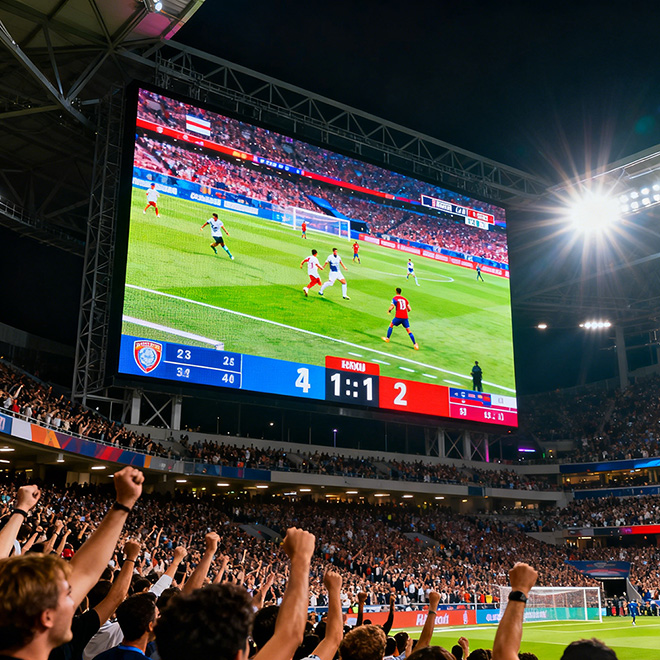
Presentation detail
Evaluate small text, charts, product imagery and speaker backgrounds at the nearest seating position.

Make every presentation
clear from the right distance.
Modular LED cabinets for conference stages, exhibitions and indoor live events. Compare five pitch options, plan your pixel canvas and specify the equipment your team needs.
For equipment purchases and rental fleet projects.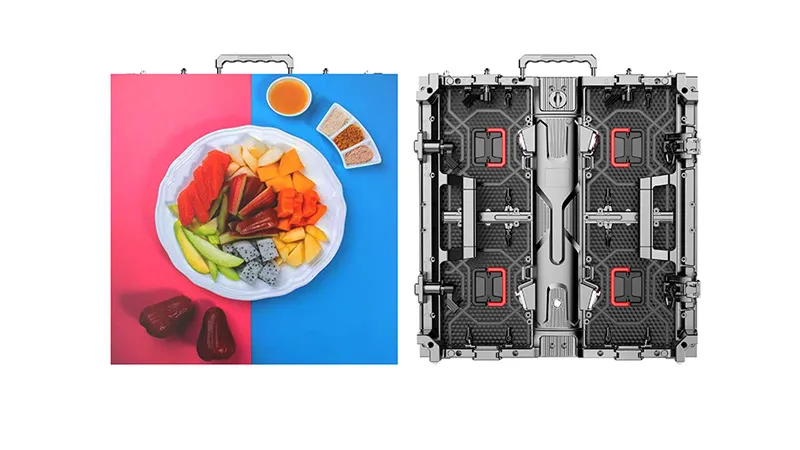
Begin with the closest audience position, the available wall size and what will appear on screen. Those decisions give pixel pitch a practical purpose.
Evaluate small text, charts, product imagery and speaker backgrounds at the nearest seating position.
Balance booth dimensions, visitor distance and native resolution before preparing motion graphics.
Review stage lighting, audience sightlines, processor inputs and the live camera workflow.
Check brightness, operating sound, access clearances and the support method for the venue.
Compare five 500 × 500 mm cabinet configurations. Native resolution makes the difference between pitch options easier to assess.
| Parameter | P1.5625 | P1.953 | P2.604 | P2.976 | P3.906 |
|---|---|---|---|---|---|
| Pixel pitch (mm) | 1.5625 | 1.953 | 2.604 | 2.976 | 3.906 |
| Cabinet resolution (px) | 320 × 320 | 256 × 256 | 192 × 192 | 168 × 168 | 128 × 128 |
| Module resolution (px) | 160 × 160 | 128 × 128 | 96 × 96 | 84 × 84 | 64 × 64 |
| Pixel density (pixels/m²) | 409,600 | 262,144 | 147,456 | 112,896 | 65,536 |
| Brightness (cd/m²) | 0–800 | 0–800 | 0–800 | 0–800 | 0–1,400 |
| Refresh rate (Hz) | 3,840 | 3,840 | 3,840 | 3,840 | 3,840 |
| Cabinet weight (kg) | 7 | 7 | 7 | 7 | 7 |
| Protection rating | IP30 | IP30 | IP30 | IP30 | IP30 |
Specifications reflect Highcolor’s published indoor cabinet references. Brightness differs for P3.906. Confirm the LED package, driver configuration, controller, power conditions and selected model in the quotation. IP30 models are intended for indoor use.
Compare two pitch options on the same rectangular cabinet grid. The pattern below illustrates the layout; it does not simulate perceived pixel quality.
Calculated from native cabinet pixels, 0.5 m cabinet dimensions, 7 kg per cabinet and 680 W/m² maximum power. Estimates exclude the supporting structure, controllers and accessories. They do not establish rigging capacity or electrical distribution requirements.
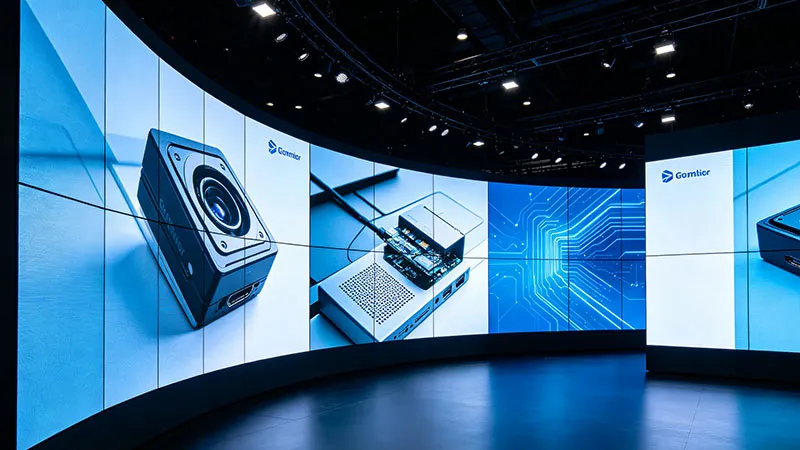
Resolution is one part of a useful indoor display evaluation. Review the proposed configuration at the intended viewing distance and working brightness.
Connect cabinet selection to the way your team installs, repairs and transports the display between indoor events.
Our indoor rental cabinets use quick locks for assembly and disassembly. Review lock engagement, seam alignment and edge protection with the actual cabinet sample.
Confirm module removal, power-box access, tools and working clearance for the chosen arrangement. Include the service plan when the rear of the wall is restricted.
Specify wall height, venue restrictions and the intended support method. Request the compatible hardware schedule, drawings and rated limits for that exact configuration.
Packing reference: eight 500 × 500 mm cabinets per flight case. Confirm case quantities, gross dimensions, weights and separate spare-parts packing in the order.
Purchase cost depends on more than area. Ask for the same scope when comparing configurations or quotations.
Pitch, cabinet quantities, LED and driver specifications, brightness, calibration files and any requested surface protection. Confirm model-specific availability of options.
Playback sources, input types, processor capacity, receiving system, signal mapping, power/data cable lengths and any backup signal path.
Hanging bars or ground support, connection hardware, installation drawings, maintenance access and power distribution scope.
Spare modules, power supplies and receiving cards; flight cases; setup records; delivery destination; warranty terms and target delivery date.
Start with the nearest viewer position, wall dimensions and the smallest text or chart detail. Compare the native canvases above, then review sample slides on the proposed display. A pitch label by itself does not establish readable text size.
The 500 mm cabinet grid is 12 across by 6 high. P2.604 produces 2304 × 1152 native pixels; P3.906 produces 1536 × 768. Both walls have a 2:1 aspect ratio, which differs from 1920 × 1080 at 16:9. Plan scaling, letterboxing or a custom content canvas with the processor.
Evaluate the room’s ambient light and the content at the intended dimming level. The reference brightness ranges are 0–800 cd/m² for the first four pitch options and 0–1,400 cd/m² for P3.906. Review dark detail and color consistency at your working setting.
Confirm the cooling arrangement and measured operating sound for the selected configuration. For speech-led events, include a noise test at the intended brightness, ambient temperature and microphone positions in the evaluation.
Provide the proposed radius, angle and cabinet layout. Confirm the selected cabinet family’s curved-lock options, allowable geometry and support arrangement in writing. The comparison tool on this page assumes a flat rectangular wall.
Provide the original cabinet model, LED batch and specifications, driver and receiving-card configuration, calibration data, locks and connectors. Confirm compatibility and image consistency before mixing a new batch with existing stock.
Request a pitch recommendation and an equipment quotation for your indoor event system or rental fleet.
sales@highcolorled.com ↗