Opens in a new tab
HighColor LED Display Screen Manufacturer: High Standard, True Color

LED DISPLAY SOLUTIONS FOR LIVE EVENTS

Rental & Staging LED Displays Built for Fast Turnarounds

Plan a rental screen around the realities of event work: tight load-in windows, changing venues, repeated transport and a clean image for every audience. Highcolor helps rental companies and event teams choose an LED display configuration that fits the room, production schedule and operating crew.

Indoor and outdoor configurations for concerts, exhibitions, corporate events and touring productions.

LED display prepared for a live event and rental staging environment

DESIGNED AROUND THE RENTAL CYCLE

One screen system, many venues and production schedules

Rental buyers evaluate more than the picture on opening night. A useful system has to fit the truck pack, move safely between jobs, assemble predictably and support practical maintenance when a cabinet or module needs attention. Start with the crew, venue access and event calendar, then choose the display format and control plan around them.

Fast, repeatable setup

Check cabinet handling, connection access, alignment and the working sequence your crew can repeat under a short load-in window. Confirm how the display integrates with the stage, scenic elements and other production equipment.

Transport and fleet care

Plan packing, protection, storage and inspection between events. Ask how front or rear service access works for the selected configuration, which spare parts are practical to keep and how fault isolation will fit your workshop routine.

Consistent image in camera

Define the audience distance, camera positions, content sources and production frame rate before confirming pixel pitch and processing. A pitch that looks suitable from the audience may need a separate camera test for close-up shots or broadcast use.

Clear scope at handover

Agree who supplies rigging, power distribution, signal equipment, installation labor, commissioning and local event support. These responsibilities vary by project and should be listed in the quotation rather than assumed.

APPLICATIONS

Match the display plan to the way the event runs

Different productions put different pressure on the screen system. Use the event format to decide what to prioritize before specifying a cabinet or pixel pitch.

Concerts and festivals

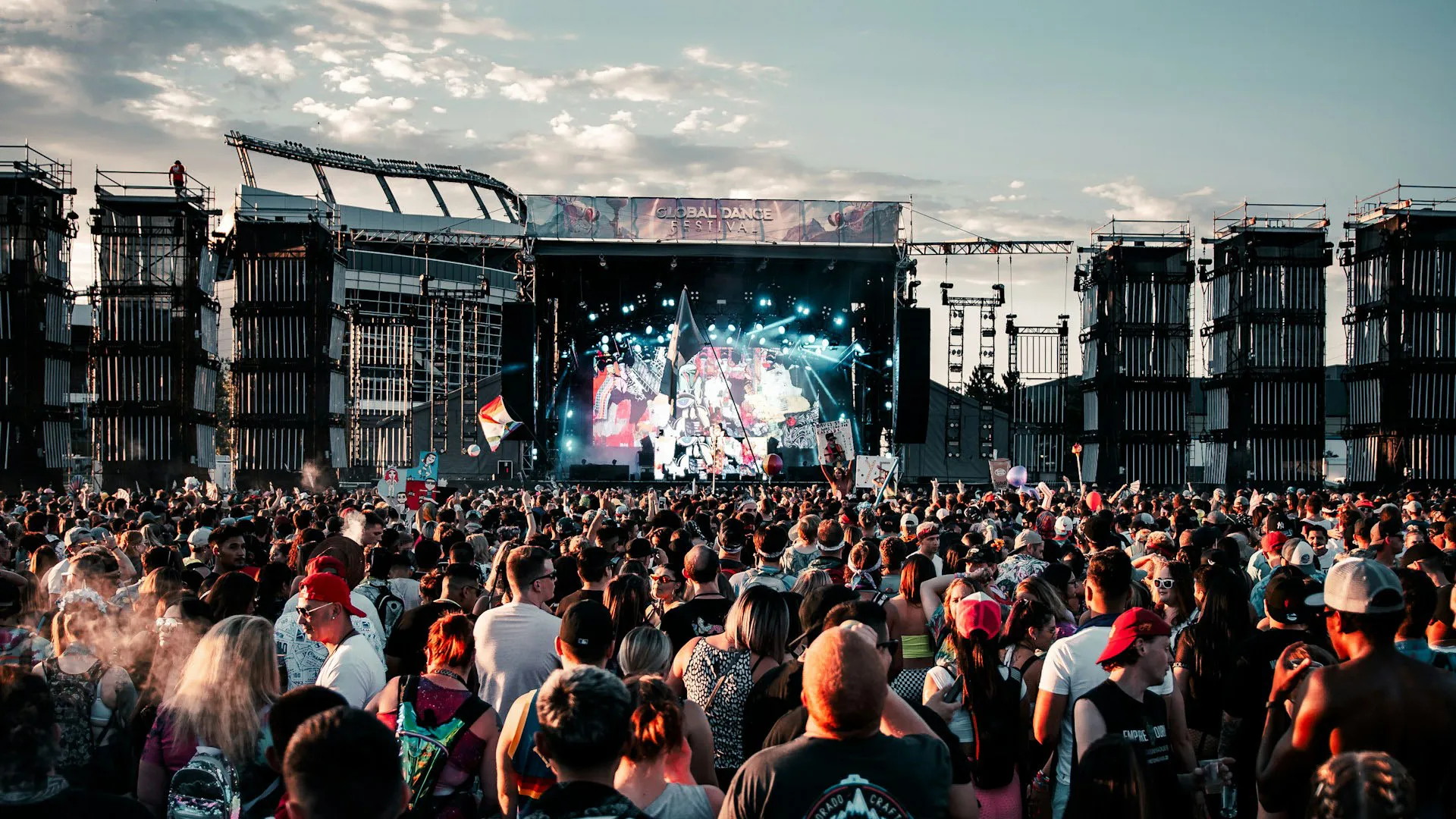
Coordinate the main screen and side screens with stage sightlines, camera content, outdoor exposure and the build schedule. Confirm viewing distances and the intended image source with the production team.

Trade shows and exhibitions

Plan for booth dimensions, venue access, neighboring stands and repeated show dates. A modular display can support different layouts, while a stable content workflow keeps branding consistent across the event.

Corporate and conference events

Consider presentation text, speaker camera shots, room lighting and the available signal path. Specify how slides, video playback and live sources will be switched and tested before doors open.

Touring and multi-venue productions

Document the screen configuration, packing plan, labels and setup checks so the system can travel between sites. Confirm local crew capability, power availability and venue rigging limits at each stop.

PRODUCT ROUTES

Choose a rental display format

Compare the dedicated product pages for room conditions, cabinet format and intended use. Final pitch, screen size and system configuration should follow the audience distance, content and event plan.

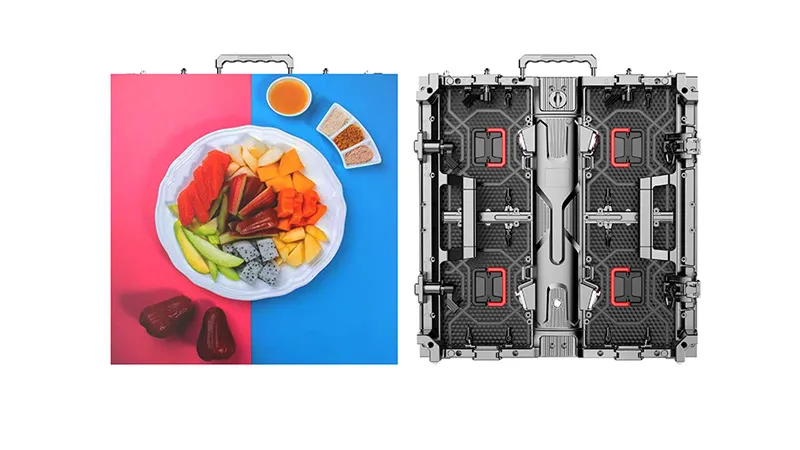
Indoor rental LED display cabinet for exhibition and event staging

Indoor Rental LED Display

For exhibition halls, conference rooms, studios and indoor live events. Review the room lighting, closest viewing position, camera use and available rigging or ground-support plan.

Explore indoor rental displays
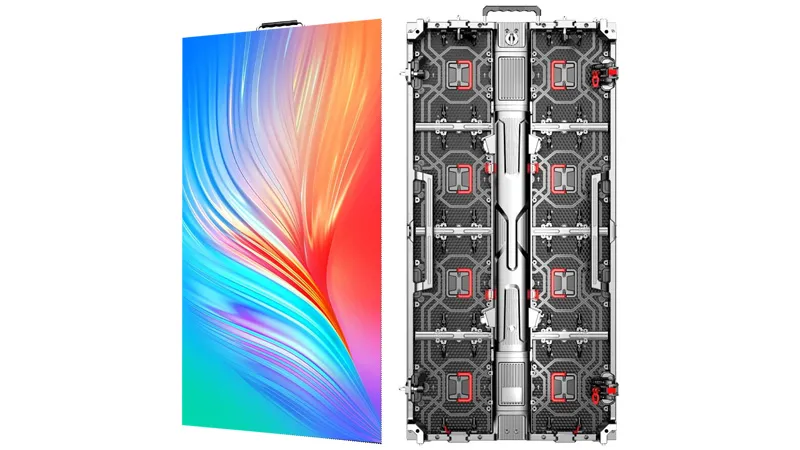
Outdoor rental LED display prepared for an open-air event

Outdoor Rental LED Display

For open-air events where daylight, weather exposure, wind, site access and power planning affect the system. Confirm environmental requirements and installation responsibilities for each venue.

Explore outdoor rental displays

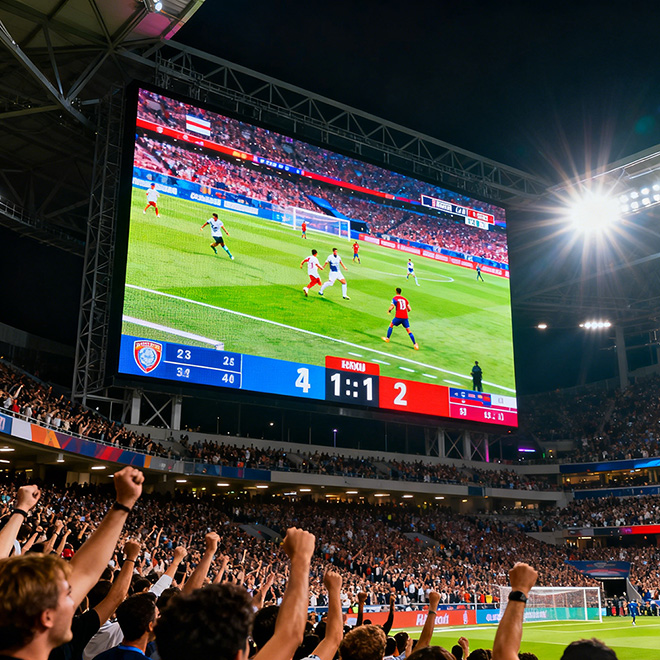
Rental LED Wall

Plan a large-format event wall around the stage footprint, audience coverage, support structure, signal routing and the crew’s build sequence.

Explore rental LED wall

Trade Show LED Display

Coordinate booth dimensions, viewing angles, venue rules, graphics and show dates to make the screen part of a workable exhibition layout.

Explore trade show LED displays

FROM BRIEF TO SHOWTIME

A practical planning sequence for rental projects

Bring the event producer, rental operator and installation crew into the same planning conversation early. This makes the screen specification more useful and reduces last-minute uncertainty on site.

01

Map the venue and audience

Record indoor or outdoor conditions, audience positions, closest viewing distance, stage dimensions, sightlines, access routes and any venue restrictions on lifting or suspension.

02

Set the image and content brief

Share source resolutions, content formats, live camera requirements, switching workflow and any broadcast or camera testing needs. Use these details to discuss pixel pitch and processing choices.

03

Coordinate structure, power and signal

Confirm whether the screen will be flown, ground-supported or integrated into a scenic build. Assign responsibility for rigging, power distribution, data runs, processing and system commissioning.

04

Prepare, test and hand over

Agree the packing list, spare strategy, pre-show inspection and on-site acceptance checks. Record configuration and maintenance notes so the equipment can return to the fleet ready for its next job.

REQUEST A RELEVANT CONFIGURATION

What to include in your rental or project enquiry

A concise brief helps the team discuss a realistic display plan, identify missing venue information and clarify what belongs in the equipment quotation.

  • Event type, venue city, event dates and daily operating hours
  • Indoor or outdoor location, ambient light and expected weather exposure
  • Screen width and height, audience layout and closest viewing distance
  • Content resolution, playback sources, live camera use and signal workflow
  • Flying, ground support or other installation method and venue restrictions
  • Available power, cable routes, access times and loading limitations
  • Required scope for equipment, processing, installation, commissioning and local support
  • Whether the equipment is for a single event, a rental fleet or repeated touring use

COMMON QUESTIONS

Rental & staging questions

How do I choose a pixel pitch for an event screen?

Start with the closest audience position, screen dimensions, content detail and any camera or broadcast use. Share a venue plan and viewing distances so the team can compare suitable options; camera-facing productions may also need an image test using the actual content and camera setup.

What is the difference between indoor and outdoor rental displays?

The decision depends on the venue environment, ambient light and exposure to weather, as well as the event’s mounting and operating plan. Confirm the required environmental protection and operating conditions for the selected product rather than assuming an indoor configuration can be used outdoors.

Does a display quotation automatically include rigging and event labor?

Scope varies by supplier and project. Ask the quotation to state whether it includes display equipment, processing, structure, rigging, power distribution, signal cabling, installation, commissioning, operator support, dismantling and transport.

What information is needed before a rental display can be specified?

Useful starting details include venue type and location, event dates, screen size, viewing distances, content and camera requirements, mounting approach, power access, venue restrictions and who will install and operate the system.

PLAN THE NEXT EVENT WITH CONFIDENCE

Bring your venue plan and production brief

Share the screen dimensions, viewing distances, event schedule and installation approach. We can help you narrow the rental display options and define the information needed for a project-specific quotation.