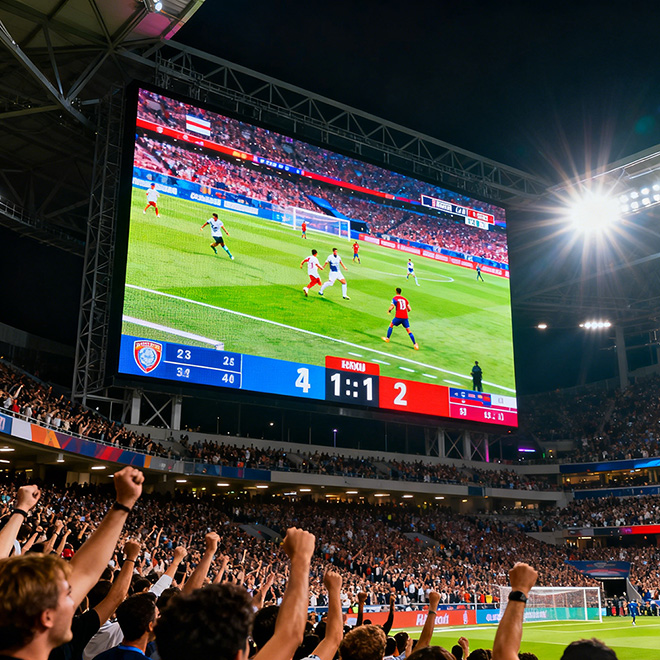
3D Led Display For Advertising: How It Works and What You Need
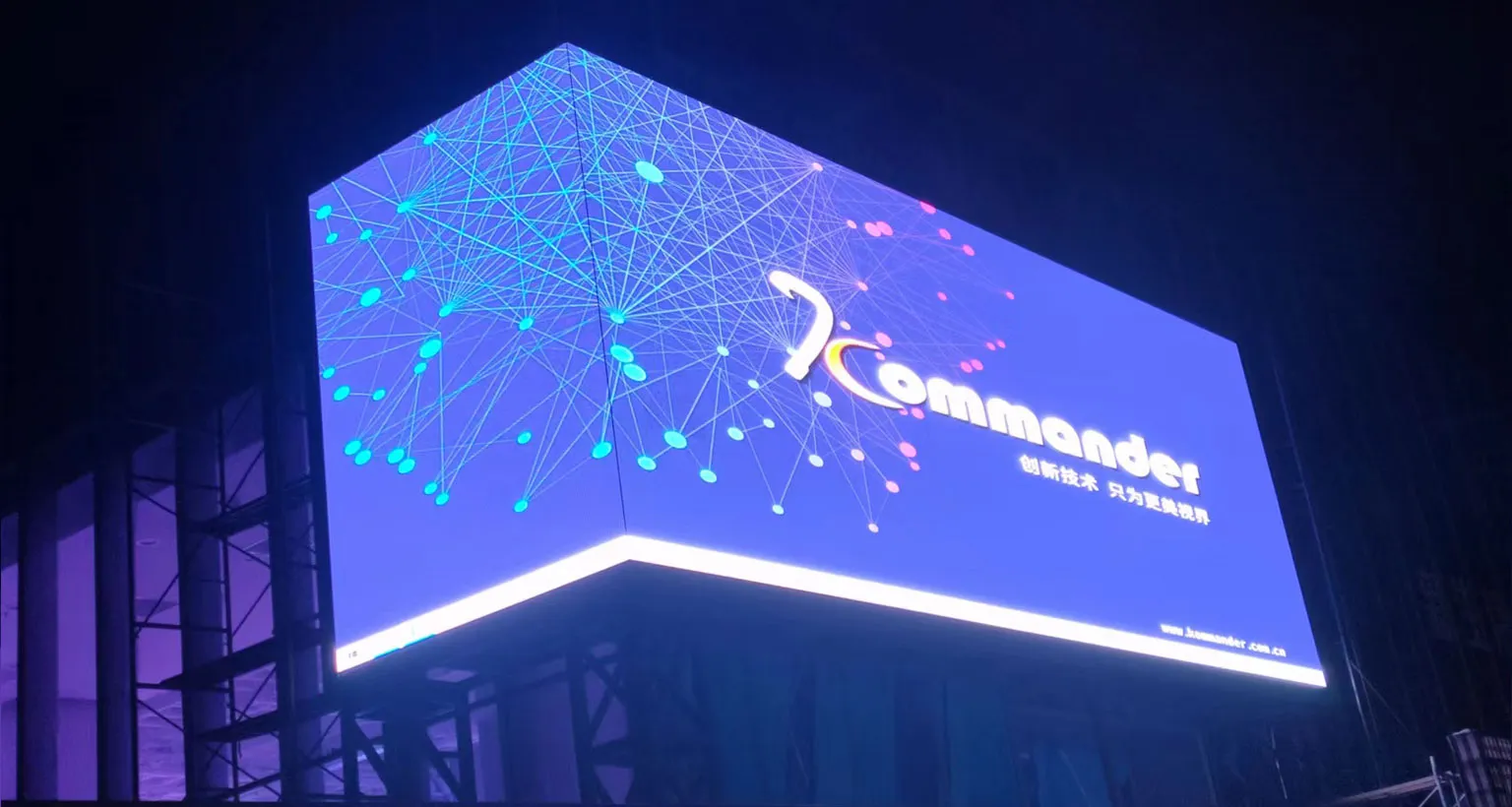
A 3D LED display for advertising combines an LED screen with content designed to create an impression of depth. In the common anamorphic billboard format, the effect depends on three things working together: the screen geometry, the audience viewpoint and the animation. Buying a corner screen alone does not create the illusion.
This guide covers perspective-based advertising displays, often marketed as naked-eye 3D. It explains what to specify before ordering hardware, commissioning content or comparing quotations. For an overview of available configurations, see our 3D LED display solutions.
How does a 3D advertising display work?
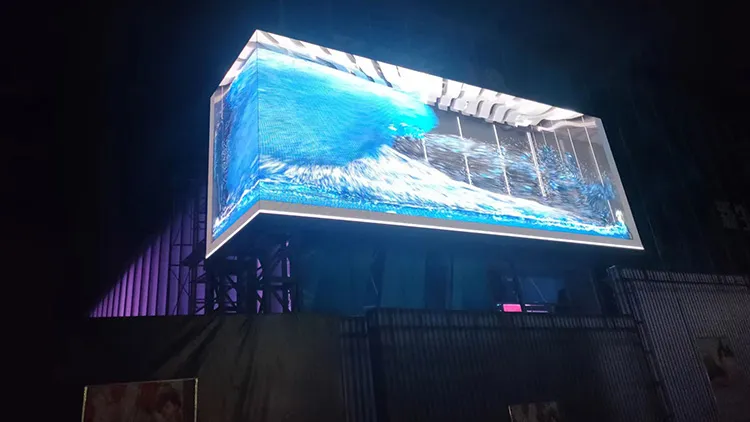
An anamorphic animation is rendered for a chosen viewing position and mapped to the display surface. Perspective, shading, apparent occlusion and movement make an object seem to sit behind the screen or extend in front of it. The audience does not need glasses, but the illusion usually becomes less convincing as viewers move away from the intended viewing zone.
This is a perspective illusion on a physical display surface. It should not be confused with every other technology sold as glasses-free 3D, or with an object physically floating in space. Ocean Outdoor’s description of anamorphic advertising explains the use of forced perspective and a specific vantage point.
A physical corner can support the composition, but it is not compulsory. Flat and curved screens can also carry perspective-based content. A virtual box, architectural opening or other frame rendered within the animation can provide depth cues; the real screen border does not always need to be visible.
Choose the screen format around the site
The right layout depends on the available facade or interior, the route people take past it and the creative concept. These are different display configurations for perspective-based content, rather than guarantees of a particular visual result.
| Screen format | Planning considerations | What to validate |
|---|---|---|
| Corner or L-shaped | Content can use two faces to suggest a box or an architectural opening. | Face dimensions, corner angle, joint alignment, pixel mapping and the principal viewing zone. |
| Flat | A rendered frame and perspective can suggest depth on one surface. | Whether the illusion remains legible at the intended distance and within the available screen area. |
| Curved or custom-shaped | The surface can follow a building or interior concept. | Accurate surface geometry, mapping, installation tolerances and access for maintenance. |
For an exterior installation, review our outdoor 3D LED display planning criteria. For a lobby, retail interior or exhibition space, see the indoor 3D LED display options. Neither a corner nor a larger screen automatically makes a project more effective.
Survey the audience viewpoint before finalizing hardware
Mark the intended viewing zone on a site plan. Record the distance and eye level of viewers, their approach direction, obstructions and whether they can safely stop to watch. A viewpoint chosen only for a promotional photograph may not represent the experience of everyday visitors.
Give the hardware and creative teams the same measured drawings: dimensions of every face, corner angles or curvature, installation height, screen orientation and surrounding architectural features. Confirm the final pixel canvas after the module and cabinet layout is agreed.
- Review a simple perspective mock-up from the primary viewing position and several likely secondary positions.
- Check that the brand and main message remain readable when the depth illusion is weaker.
- Allow for changing daylight, crowd movement and obstructions in the real environment.
- Approve the geometry and pixel map before producing the final animation.
Specify the LED hardware as a complete system
Select pixel pitch using the closest important viewing distance, screen dimensions and the detail required in the content. A smaller pitch increases pixel count, but does not correct a poorly matched viewpoint or animation. Ask for a representative content demonstration instead of relying on a pitch label alone.
Brightness should suit ambient light and the site’s operating restrictions. On a display with multiple faces, coordinate brightness and color calibration so that changes in sunlight do not create distracting differences across the scene. Confirm the control strategy with the integrator.
Check that the controller, processor and playback system can handle the complete pixel canvas at the agreed frame rate and format. Synchronization, mapping and reliable scheduled playback matter across all faces. If visitors or a production crew will film the display, test it using representative cameras and exposure settings; a refresh-rate specification alone does not guarantee a band-free recording.
For outdoor hardware, confirm the documented environmental protection, thermal management, power distribution and service arrangements for the proposed installation. Review structure and anchorage with qualified project professionals. Corner modules, power supplies and receiving cards need a practical replacement route after the display is installed.
Commission content for the approved screen geometry
Ordinary video can play on a compatible LED system, but stretching it around a corner does not turn it into a convincing anamorphic scene. The creative team needs an accurate digital model of the screen and a virtual camera aligned with the intended audience viewpoint.
- Agree the brief: define the audience, campaign message, animation duration, brand assets and desired action.
- Approve the perspective: test a simple scene against the measured geometry before detailed animation.
- Develop the sequence: make the product and message understandable within the likely viewing time.
- Confirm delivery specifications: record the native pixel canvas, face mapping, frame rate, codec and playback requirements.
- Test on site: review alignment, seams, color, timing and the effect from the agreed audience positions.
Include revision rounds, licensed assets, source-file ownership and future adaptations in the production agreement. Decide who will update the content and how much review time each campaign needs. The appropriate update schedule depends on the campaign and audience; there is no universal expiry date for a 3D animation.
Compare the full project budget without relying on a fixed price
Equipment prices and delivery costs change with configuration, market conditions and project location. Request a dated, itemized quotation rather than applying one universal price per square meter.
Initial project budget = LED equipment + control and playback + structure and site works + installation and commissioning + freight and applicable charges + creative production. Add contingency based on the unresolved site risks, and budget ongoing operating costs separately.
| Budget item | What the quotation should clarify |
|---|---|
| LED equipment | Pitch, modules, cabinets, geometry, power supplies, environmental specification and spares; distinguish included components from extras. |
| Control and playback | Processor capacity, player, licenses, networking, monitoring and any redundancy. |
| Structure and installation | Engineering scope, supporting steel, access equipment, electrical work, installation and commissioning responsibilities. |
| Logistics and charges | Currency, quotation validity, freight terms, insurance, duties and whether taxes are included. |
| Content production | Animation scope, duration, revisions, asset rights, on-site adjustments and future adaptations. |
| Ongoing operation | Energy assumptions, maintenance, connectivity, software fees and planned content updates. |
Check for double-counting when modules, cabinets or installation are already included in a package. Creative production has no fixed share of the total budget: an existing screen with a complex campaign and a new facade installation have very different cost structures.
Check permissions and agree acceptance criteria
Before committing to a launch date, confirm the requirements that apply to the location with the property owner and relevant local authorities or advisers. Depending on the site, these may concern signage, planning, building structure, electrical safety, brightness, operating hours or road-user distraction. Do not assume that an existing screen approval automatically covers a changed installation or advertising format.
Write the handover checklist before installation. Include the approved screen dimensions and pixel map, image alignment across joints, calibration, brightness controls, stable playback, service access, documentation and operator training. Review the agreed test content from the primary and secondary audience positions, in the lighting conditions relevant to the campaign.
A project may need a simpler concept if its audience cannot see the intended viewpoint, cannot safely stop, or has too little time to understand the message. Prototype the experience before committing to expensive animation or custom hardware.
Measure the advertising result
Define success before the campaign starts. Depending on the objective, useful measures include observed audience attention, qualified visits, tracked campaign responses, attributable enquiries and display uptime. Establish a baseline and use comparable measurement periods where possible. Social sharing can be useful, but an impressive video or a high view count alone does not establish a sales return.
Frequently asked questions
Does a 3D advertising display need glasses?
The anamorphic format described here does not. The apparent depth comes from the content and its relationship to the screen and viewing position.
Is an L-shaped screen required?
No. Corner, flat and curved surfaces can support perspective-based content. Choose the layout after testing the creative concept against the site and audience viewpoint.
Can an existing LED screen be used?
Potentially. Check its geometry, pixel map, image quality, playback capability and viewing conditions first. A creative test can help determine whether the existing installation supports the intended effect.
Is 3D animation included in the screen price?
Only if the quotation explicitly includes it. Confirm the creative scope, revisions, licensing and future updates separately from the equipment specification.
Prepare your project brief
Send the installation location, site photographs, dimensions, intended viewing positions, indoor or outdoor conditions, target launch date and campaign brief. Include any known access, power or operating restrictions. Contact Highcolor for a project-specific proposal that identifies the hardware, installation interfaces and content responsibilities.
Get Our Latest Products & News
Subscribe to our newsletter for fresh product launches, industry insights, and exclusive offers tailored for global partners. Stay ahead with updates that matter to your business!
Planning an LED display project?
Share a few details about your project and we’ll get back to you with a suitable solution and quote.