
LED Video Curtain for Touring & Live Events
Create a moving scenic layer that keeps performers, lighting and stage depth visible. Plan the visual content, hanging system and show workflow together—from first rehearsal through strike.
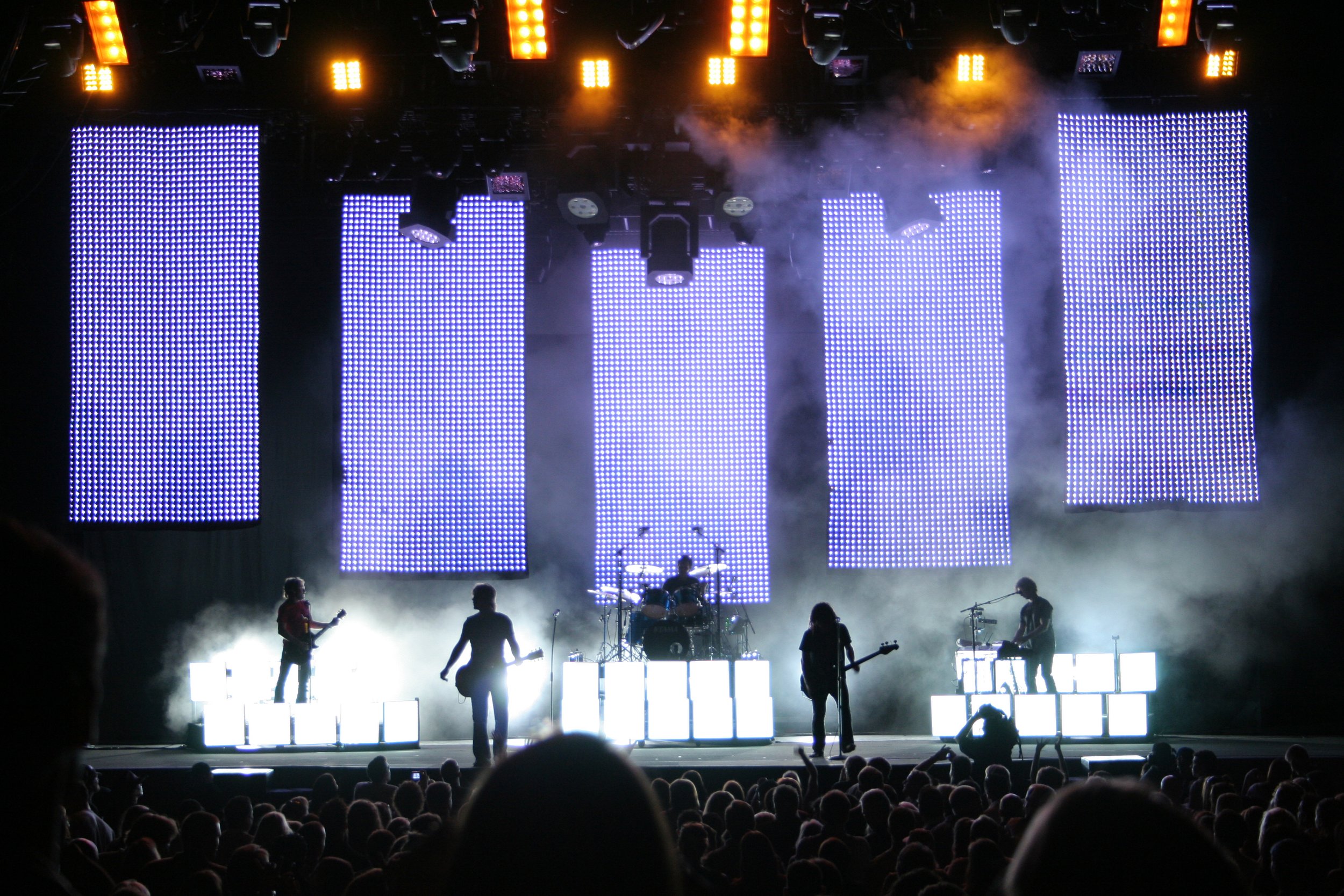
Plan the curtain as part of the production
Design for an open visual surface
LED video curtains reveal scenery and performers through the gaps, so content behaves differently from a solid LED wall. Favor bold shapes, strong silhouettes, deliberate negative space and motion that reads from the audience. Test type, logos and fine detail at the real viewing distance; thin strokes can fragment across open strips.
Coordinate scenic layers and rigging
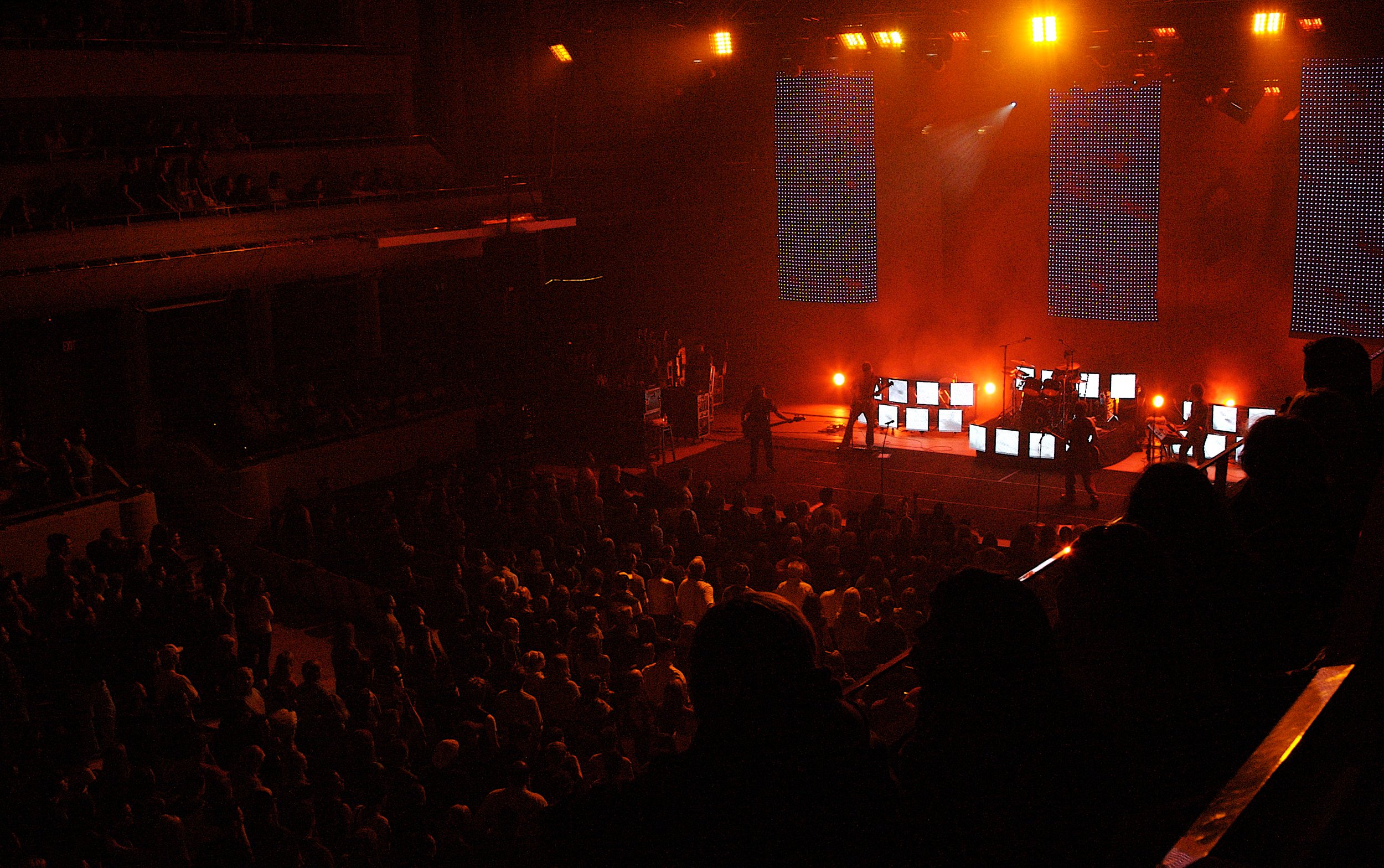
Check the curtain alongside performers, backlights, scenic pieces and projection. Confirm sightlines from the floor, balcony and camera positions, and coordinate the hanging points, structure, cable routes and access with the venue’s qualified rigging team. Verify the complete load and installation plan against the venue requirements before the show.
Make touring repeatable
Document the panel and strip layout, hanging sequence, processor mapping, signal paths and cable labels. Plan case packing, spare parts, access for service and a clear build/strike order. A consistent inventory and show file reduce setup ambiguity when crews, venues or stage dimensions change.
Map content to the curtain geometry
Build a screen map from the actual strip arrangement before producing final media. Identify which areas are continuous, where gaps interrupt the image and how the content will align with scenic pieces. Ask the creative team for a high-contrast master, then review motion, transitions and logo placement on the mapped canvas. Keep essential names, calls to action and fine detail on dependable visual areas instead of assuming every pixel forms a solid surface.
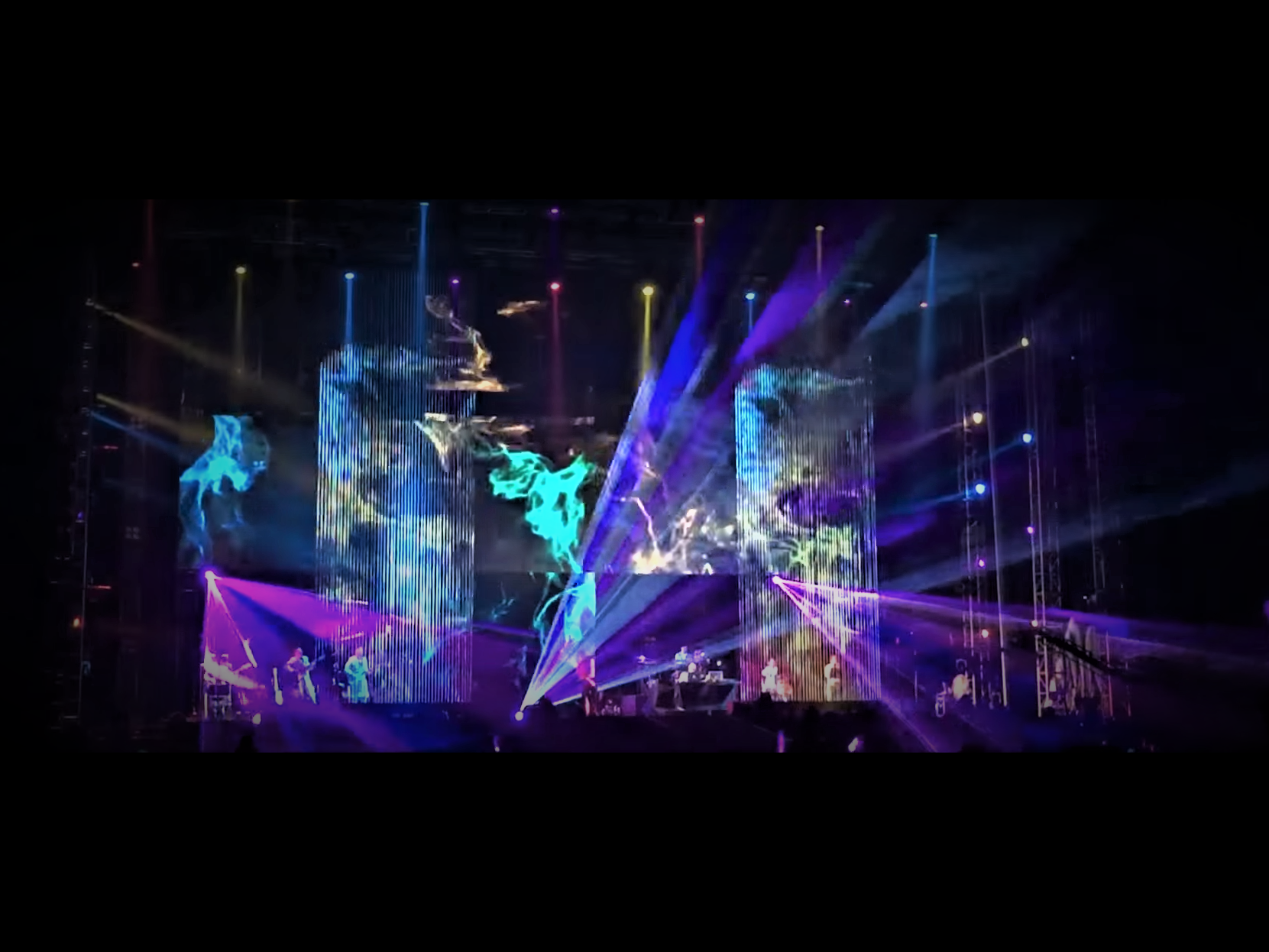
Rehearse with lighting, cameras and playback
A curtain can interact with the rest of the production in ways a solid wall does not. Rehearse with the lighting cues, camera positions and recorded content that will be used on show day. Look for camera artifacts such as moiré or rolling bands, check whether brightness supports both the room and the lighting design, and adjust playback settings with the video team. Save a known-good processor map and signal plan, test the fallback source, and include a daily visual check in the crew handoff.
LED video curtain FAQs
What is an LED video curtain?
It is an LED display made from separated strips or elements that create a moving visual layer while leaving parts of the stage visible. The open structure can preserve depth and lighting effects, but it changes how content is designed and viewed.
When is a video curtain a good fit?
It can suit concerts, touring productions and scenic installations where motion and transparency are part of the visual concept. A conventional solid LED wall may be more suitable when the production depends on dense detail, small text or a continuous image surface.
What should the production team confirm before specifying one?
Confirm the intended canvas and strip layout, stage dimensions, audience and camera sightlines, rigging points, venue load limits, cable paths, processing and playback workflow. Review these with the venue and qualified production crew before finalizing the system.
How do we check the image for live cameras?
Rehearse with the actual curtain, cameras, lenses, shutter and show lighting where possible. Look for moiré, rolling bands and uneven brightness in both the room and recorded output, then coordinate adjustments with the video and lighting teams.
Plan your next live production
Share the venue, stage dimensions, viewing positions, camera needs and touring schedule. Highcolor can help scope a curtain layout and the workflow around your show.
Contact Highcolor