
LED Matrix Display
Specify the pixel grid, physical size, viewing distance and content workflow together so the display remains legible in its intended setting.
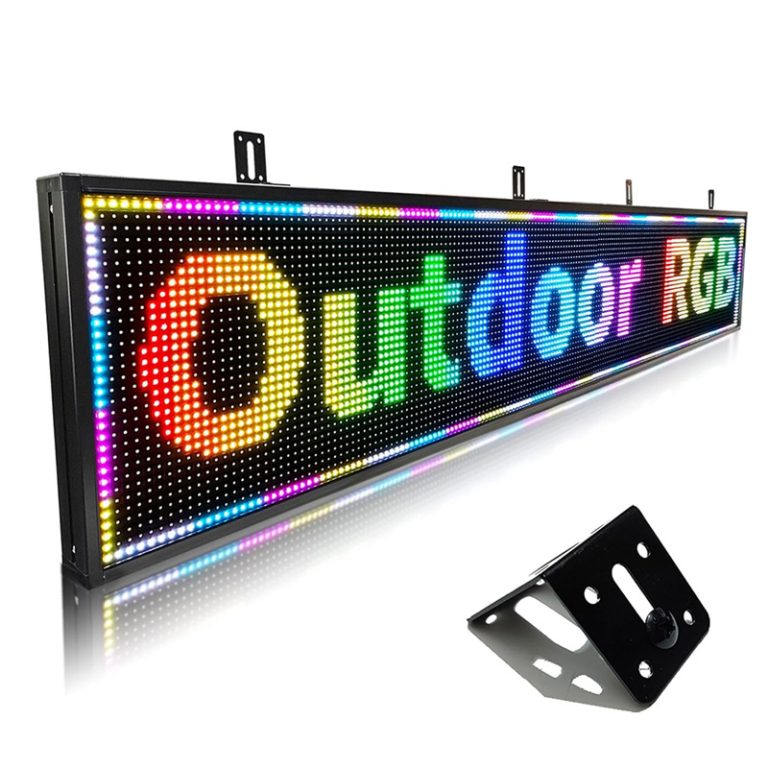
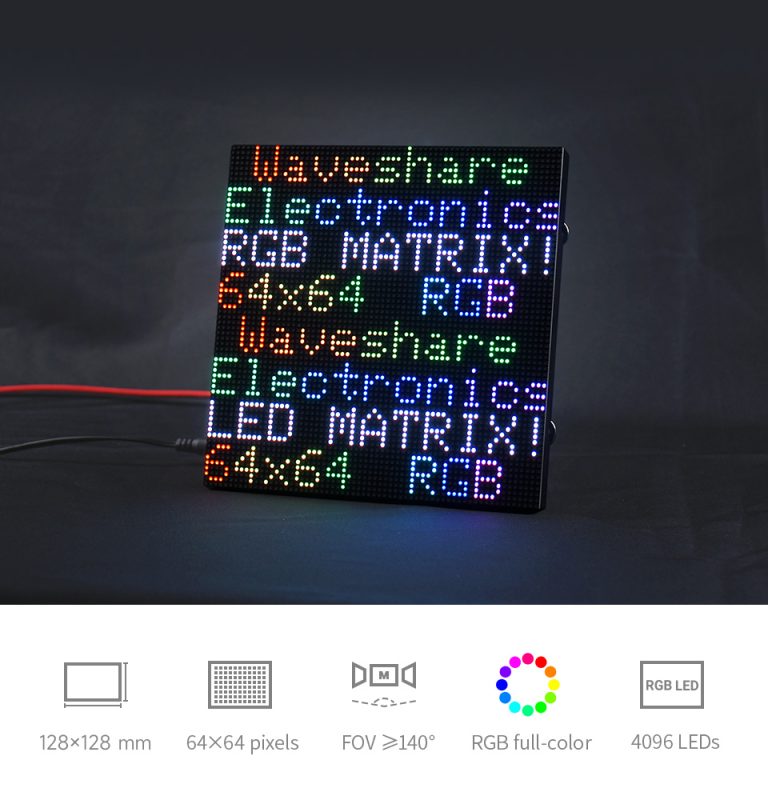
LED matrix display: match the pixel grid to the message
Specify the matrix and content together
What determines readability?
Plan the message before fixing display resolution
Build the specification from the messages and audience first, then test whether the proposed pixel grid can render them at the intended size. This prevents selecting a matrix that fits the cabinet but cannot communicate the required content clearly.
Check the pixel canvas at the viewing distance
List exact words, numbers, symbols, language variants, logos and animations, including the longest message and punctuation. Preview each item on the final pixel map at the expected viewing distance; confirm the smallest character remains legible and the required rows and columns fit the selected module geometry.
Match the controller to the matrix
Check that the controller supports the full pixel width and height, color depth, scan configuration and required update method. Confirm whether the matrix operates as a synchronized video canvas or stores and plays scheduled messages independently, then test the exact controller with the proposed display before installation.
Translate the message into a pixel grid
Create the message at the matrix’s actual pixel dimensions and check its coordinate map, blank rows, spacing and alignment. Review high-contrast static content as well as motion, and test symbols or logos for shapes that may collapse into neighboring pixels. Approve a final preview on the target grid before loading it to the display.
Plan how operators will update the display
Document the required host device, connection method, user permissions and content approval workflow. Decide whether messages must remain available offline, how schedules recover after a restart and who owns the source files. Include a test message covering all rows, columns and colors so wiring faults can be separated from content or software issues.
LED matrix display FAQs
What is an LED matrix display?
It is a display made from LEDs arranged in rows and columns to form a pixel grid. A complete fixed display also needs compatible modules or cabinets, power and data distribution, a controller and a way to create and update content.
How do I choose the pixel resolution?
Start with the smallest character, number or symbol that must be readable and the audience’s viewing distance. Compare the resulting pixel height with the proposed matrix dimensions and test the actual layout; there is no single row count that suits every installation.
Can an LED matrix display show graphics or video?
That depends on the matrix’s color capability, pixel resolution, controller and supported content formats. Provide representative stills or clips and confirm the complete system can render them at the intended size and playback schedule.
What information is needed for a matrix display quote?
Share the installation dimensions, indoor or outdoor environment, audience distance, required messages and languages, desired pixel map or pitch, color and motion needs, control interface and content-update workflow. Include a site photo or drawing where available.
Configure your LED matrix display project
Share the installation site, physical dimensions, audience distance, required messages, pixel map and content workflow for a practical configuration review.
Contact Highcolor