
Interactive LED Screen
Turn a large-format LED display into a responsive experience using touch, motion, proximity or floor interaction—planned around the people, content and conditions at your venue.
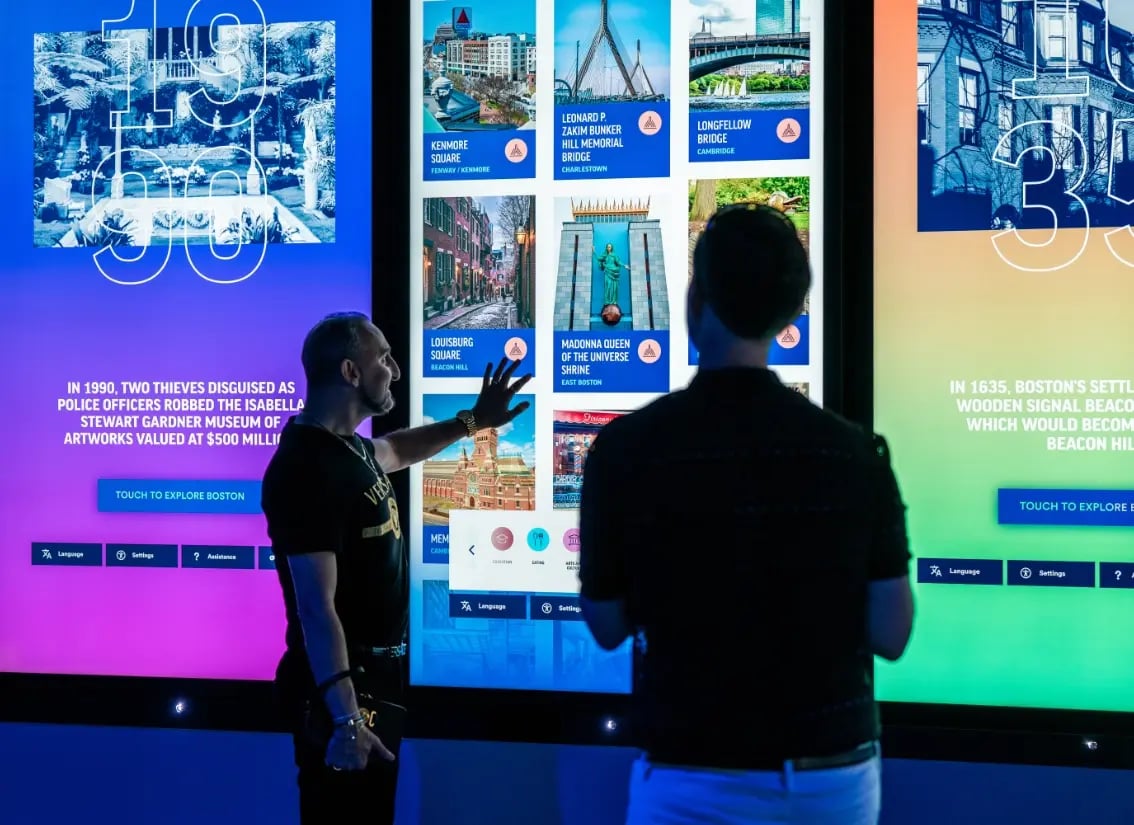
Start with the action, then choose the sensing system
Design the complete interaction
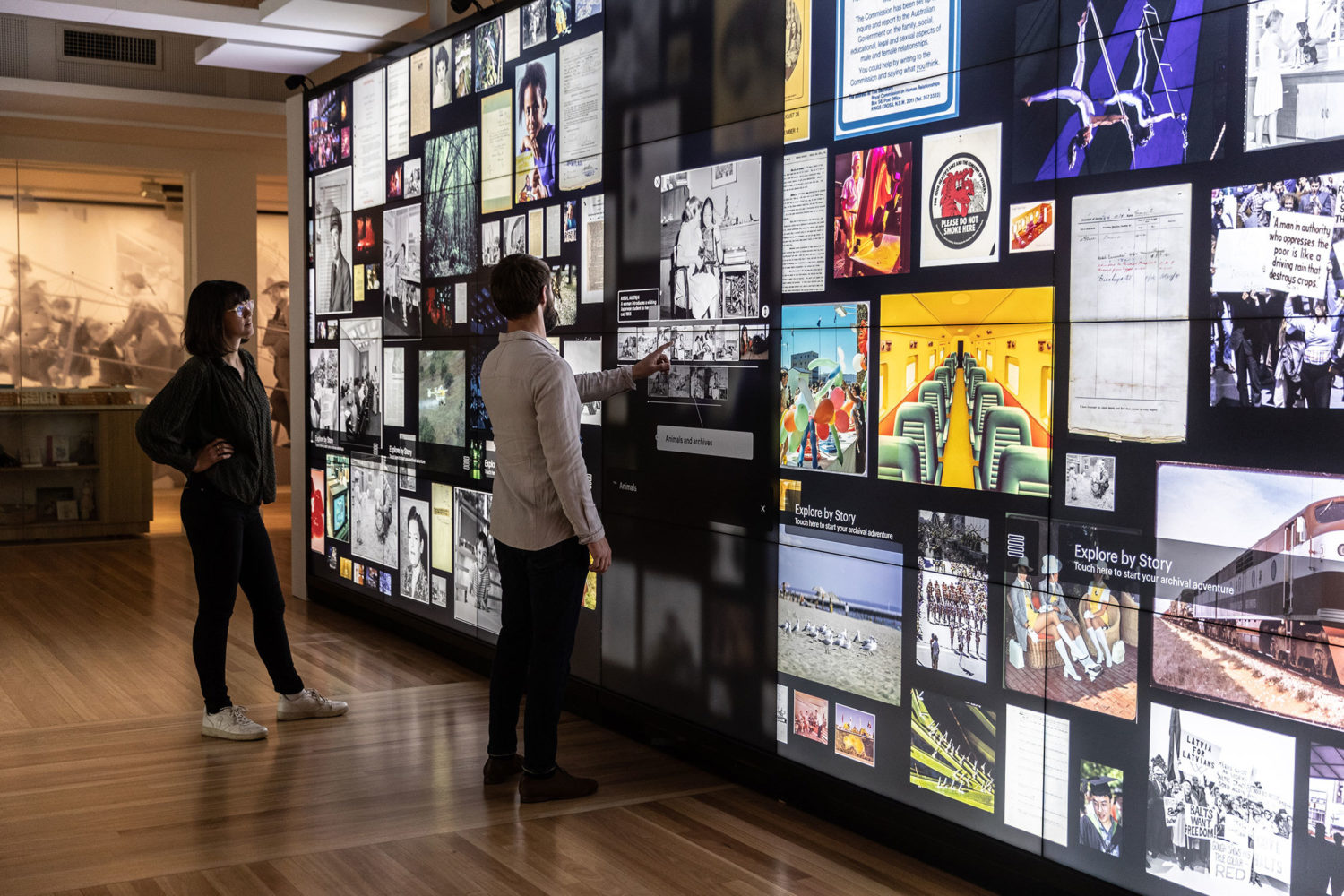
What should a pilot prove?
Match the interaction to the venue and audience
For a staffed product demo, direct touch can make selection obvious; for a hands-free public installation, proximity or camera tracking may invite participation without contact. An interactive floor needs suitable pressure or vision sensing and clear boundaries, while a large collaborative wall must account for overlapping users and different reach heights. Consider ambient light, reflections, crowd density, privacy requirements and whether people will approach from several directions. The right concept is the one that remains understandable and dependable in its real operating context.
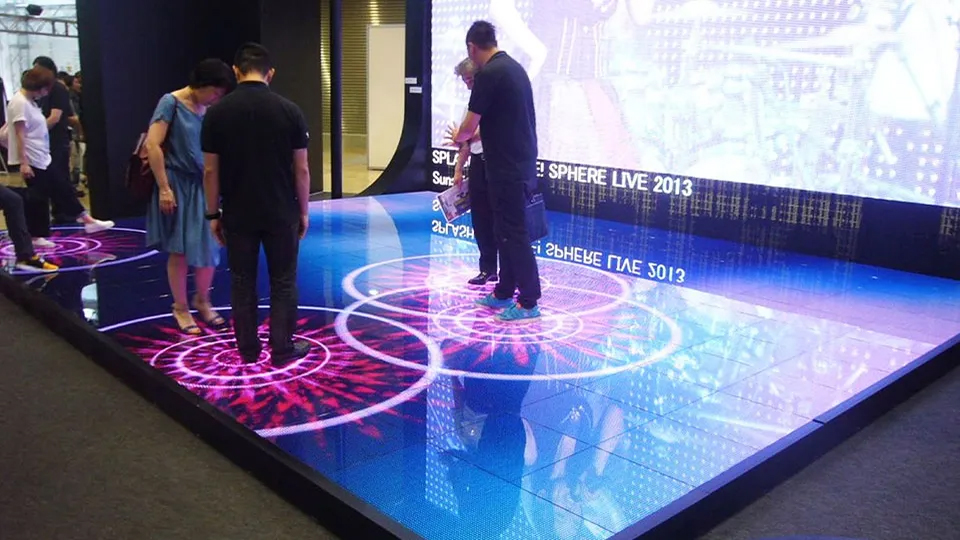
Validate the complete sensor-to-screen response
The visitor experiences the whole chain, not the sensor alone. Check detection, application response, media playback and LED processing together using the final content at the target canvas and refresh settings. Watch for delay that makes interaction feel disconnected, image scaling that crops interface prompts, and bright or reflective surroundings that reduce visibility. Repeat with more than one person and test the busiest expected period so simultaneous actions do not cause confusing jumps or stalled content.
Plan for everyday public use
An unattended installation needs a clear attract state, simple on-screen instructions and a predictable return to its opening screen after inactivity. Specify who can reset or restart the system, where service access is located and how staff can switch to a static fallback if an input device or application is unavailable. For touch surfaces, define cleaning intervals and materials; for camera-based sensing, review privacy notices, data handling and the venue’s rules. Keep the screen content legible from the approach path and provide an interaction that still makes sense to someone arriving midway through a cycle.
Prototype the experience before finalizing the LED wall
A compact prototype can expose interaction problems before display dimensions, mounting and content are locked. Use the intended sensor and application logic with a representative section of the display, then test how users approach, discover the prompt, complete the action and leave. For camera systems, check occlusion and changing light; for direct touch, verify reach, glare and the screen’s protective surface; for floor interaction, confirm boundaries and safe transitions. Capture the test results as acceptance criteria for commissioning, including latency, successful trigger rate, reset behavior and fallback operation.
Make recovery and content ownership explicit
Decide what the screen shows at startup, after inactivity, during a software update and after the sensor or application restarts. Assign responsibility for publishing content, checking versions and approving changes so an update cannot silently break an interaction. Keep a tested static or scheduled-playback state available, document local restart steps and make service access practical without dismantling the display. These decisions turn a successful demonstration into an experience that staff can operate day after day.
Interactive LED screen planning questions
What makes an LED screen interactive?
Which sensor should an interactive LED wall use?
How do we check whether the interaction feels responsive?
What happens if the sensor or software stops working?
Discuss the interaction before selecting the display
Share the audience, venue, interaction idea, display dimensions and content workflow. We can help map the LED display and control requirements to the experience you want people to have.
Discuss Your Interactive LED Project