
Dynamic LED Display
Plan the screen around what changes, who controls updates and what viewers need to understand at a glance. A dynamic LED display can use scheduled playlists, live data or operator-triggered messages; each calls for a different content and fallback workflow.
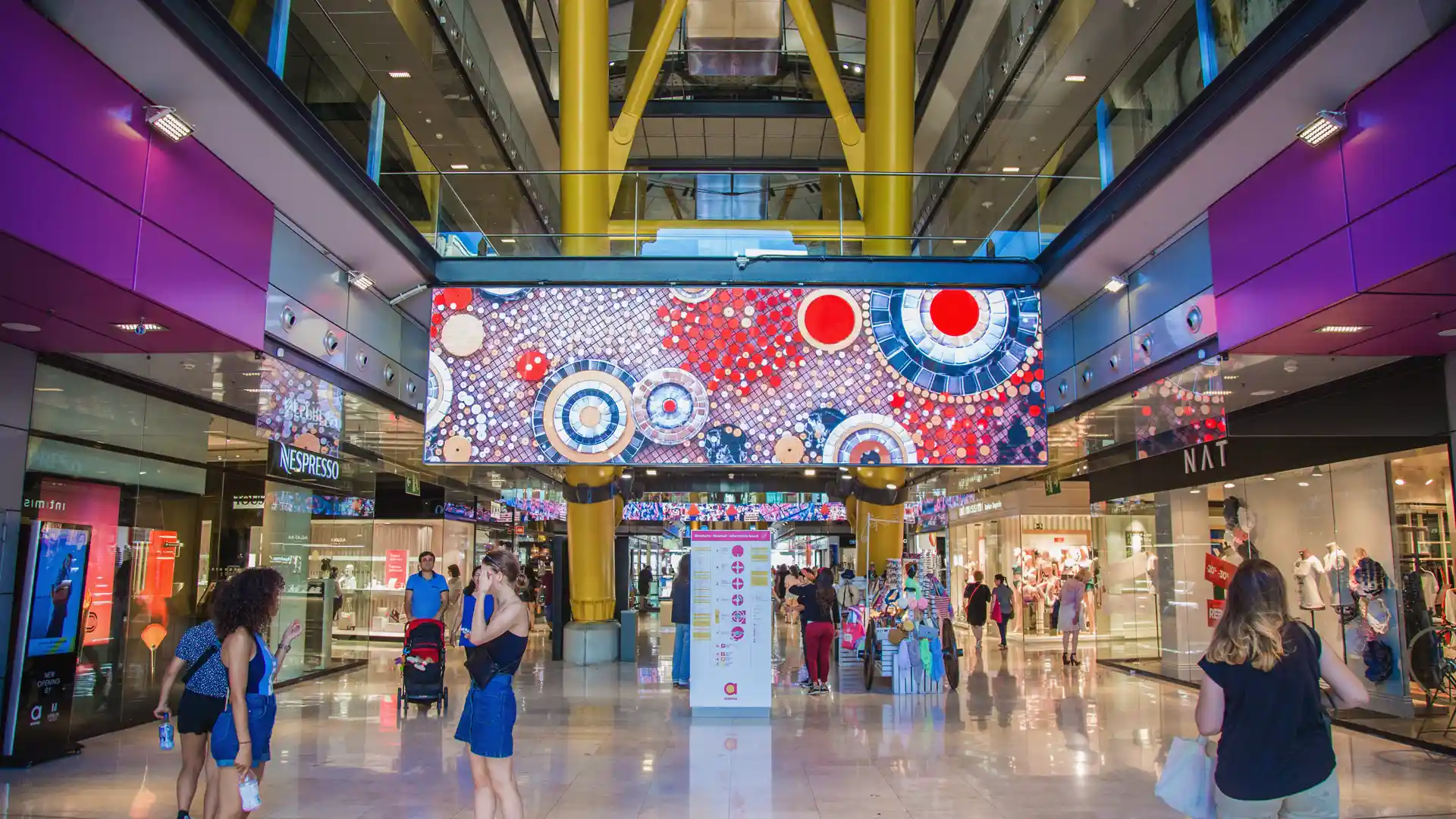
A screen is only as useful as its update workflow
A visible change is not automatically a useful one. Match each update to its source and urgency: a scheduled campaign can be approved in advance, while a live figure needs a clear refresh interval and a way to identify stale information. For event-triggered messages, document who can activate the content and how normal playback resumes.
Build the operating plan before the playlist
Before production, map the journey from content brief to approval, publishing and playback checks. Agree naming rules for campaigns, set permissions for routine edits versus urgent overrides, and keep a tested fallback sequence available. For a multi-screen project, also decide whether every location receives the same schedule or locally approved variations.
Design for the real viewing environment
Review content with its final pixel dimensions, viewing distance and ambient light in mind. A message in a fast-moving public area needs a shorter reading load than information viewed while waiting. Preserve essential labels and context across transitions so animation does not remove the detail people need to interpret a value or instruction.
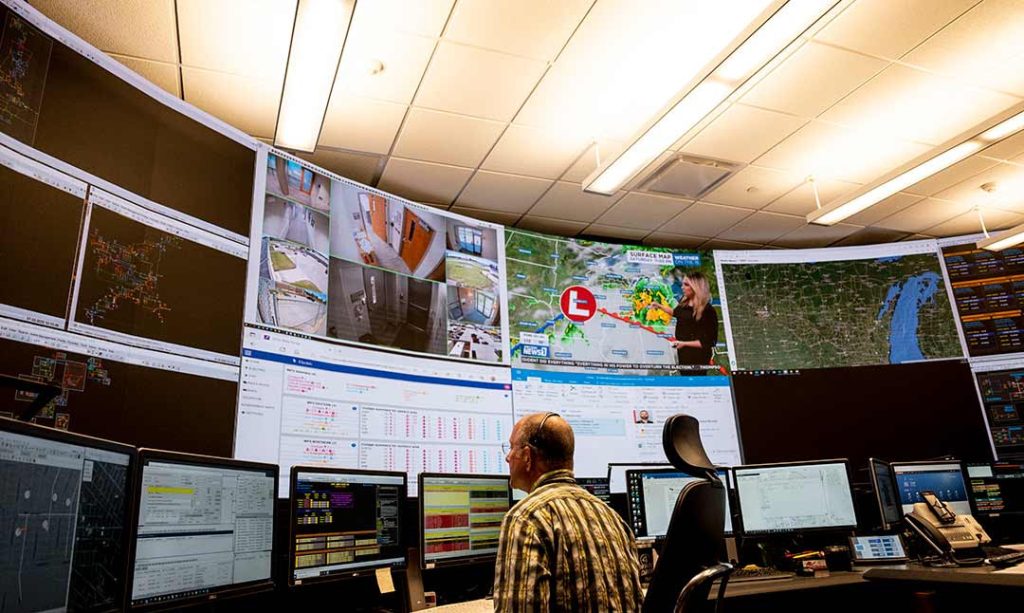
Dynamic LED display: decide what changes and when
Keep dynamic content useful
Dynamic LED display questions
What is a dynamic LED display?
It is an LED screen used to present content that can change over time, such as scheduled campaigns, live information or operator-selected messages. The content workflow and screen system determine how those changes are delivered.
Can content be updated remotely?
Remote publishing may be possible when the selected media player, software, connectivity and permissions support it. Confirm network access, user roles, monitoring and recovery procedures during system planning.
How should a screen handle a lost data feed?
Define a stale-data threshold and fallback state before launch. Depending on the application, the screen may retain the last verified value with a timestamp, switch to a safe holding message or return to scheduled content.
How do I choose between scheduled and live content?
Use scheduled content when messages are planned in advance and should change at known times. Use live data when the information must reflect an external source, and confirm refresh intervals, data ownership, error handling and how viewers can recognize outdated values.
Project framework
Use this framework to turn a display brief into a manageable content operation. Decide how messages are created and approved, how playback is checked, and who responds when a screen does not show the expected information.
Define change frequency
Map routine changes such as daily offers or opening hours to a publishing calendar. Specify who creates, approves and schedules content, how urgent corrections are handled, and how several screens stay consistent across locations.
Design motion responsibly
Keep the primary message legible before adding movement. Use motion to direct attention or show a meaningful change, then review transitions, contrast and text size from the audience’s actual approach and viewing time.
Protect the schedule
Decide what the display should show when a data source is stale, a player disconnects or an update is rejected. Assign an owner to check playback and define a known-good fallback message that can be restored without rebuilding the whole playlist.
Choose the right update model
Scheduled playlists suit planned campaigns and recurring messages because content changes at set times. Live-data layouts are useful when figures must reflect an external source, but the project needs a defined refresh interval, data owner and stale-data rule. Operator-triggered playback gives staff control for events or changing conditions; document who can trigger it and how the screen returns to its normal programme. The display itself does not guarantee these workflows: confirm the processor, media player, network, software and integrations as part of the system design.
Measure whether the content works
For retail or public-facing messages, observe whether people can grasp the offer or instruction within the time they naturally spend in view. For operational information, ask whether staff can spot a change and identify its timestamp or source. Review playback logs, update failures and content approval delays alongside audience feedback; use those findings to tune message length, rotation and motion.
Review your dynamic led display project
Share the site, dimensions, audience distance and content workflow for a focused recommendation.
Contact Highcolor