Tiendas y salas de exposición
Place changing offers and product stories near the collection.

Bring your campaign to the point of attention. Choose an indoor, foldable or outdoor LED poster around your space, content and deployment needs.

An LED poster is a freestanding direct-view LED screen for moving images, promotions and information. The display, supporting structure and control system come together in a portrait format that can be positioned where people pass, pause and purchase.
It uses LED pixels to create the image. When comparing it with an LCD digital poster or an illuminated printed poster frame, check the actual display technology, native resolution and content workflow.
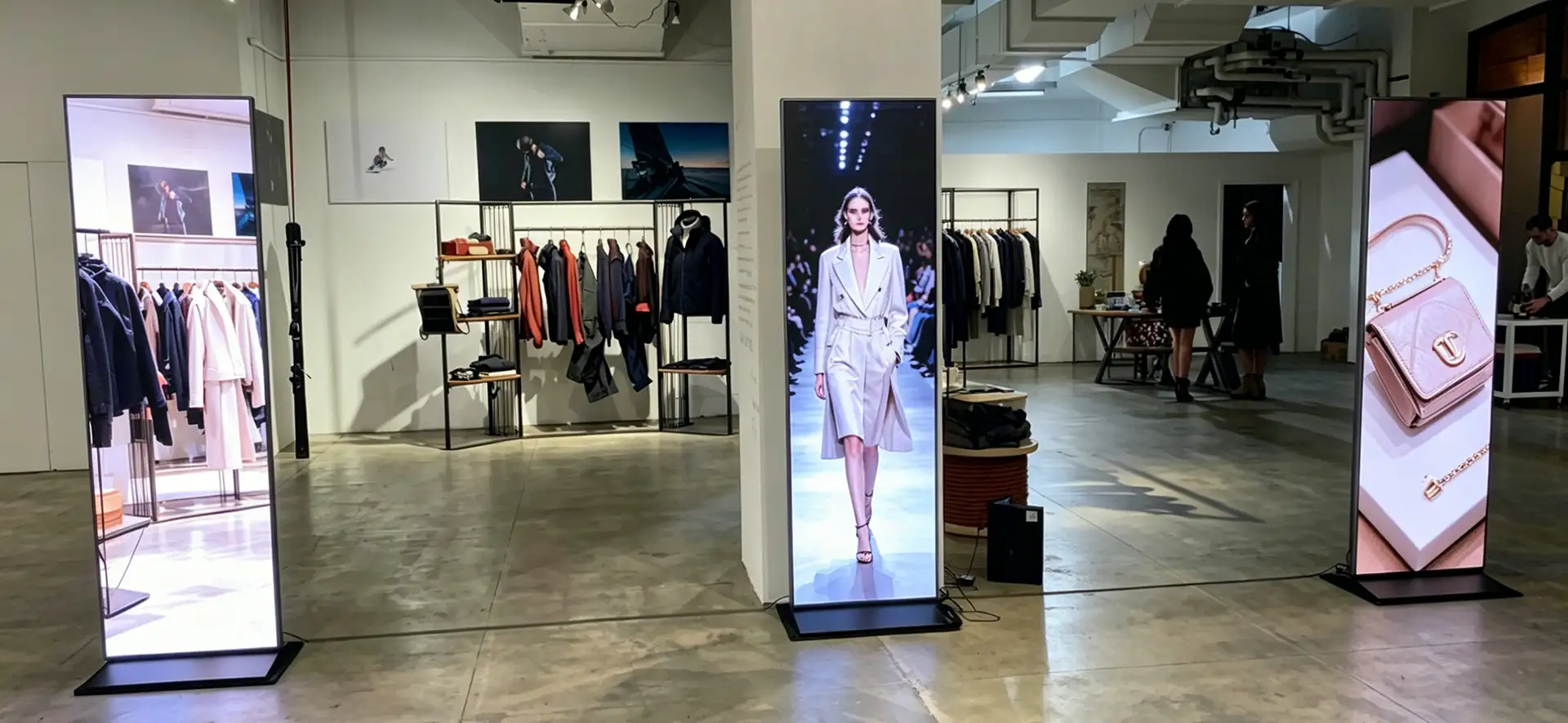
Place changing offers and product stories near the collection.
Take a reusable portrait display from one activation to the next.
Present welcomes, schedules and venue information.
Specify weather protection and visibility for the actual site.
Start with the operating environment, then match transport, image detail and control requirements.
A compact transport format for pop-up retail, exhibitions and event campaigns.
Confirm: open and folded dimensions, packed weight and protective case.
Explore this format ↗
A slim integrated poster for retail, hotel lobbies and reception spaces.
Confirm: native resolution, base footprint and the light at the installation.
Explore this format ↗
A protected poster format for suitable exterior commercial sites.
Confirm: sunlight visibility, rated enclosure surfaces and securing method.
Explore this format ↗These are product-family starting points. Confirm the ordered model and its complete specification before approval.
| Selection point | Foldable poster | Indoor poster | Outdoor poster |
|---|---|---|---|
| Best starting point | Frequent transport and temporary campaigns | Daily indoor promotions and information | Exterior locations after site review |
| Display detail | Pitch and native pixels: confirm by model | P1.25–P2.5 listed range; native pixels by model | Pitch and native pixels: confirm by model |
| Light & environment | Operating brightness and location rating: confirm | 500–600 nits listed range; indoor use | 1200–1800 nits listed range; IP65 listed cabinet rating |
| Handling & placement | Folded dimensions, case and lifting plan | Overall dimensions and full base depth | Level placement, restraint and protected cabling |
| Service & protection | Magnetic front access; GOB optional | Mantenimiento delantero | Confirm service access and rated enclosure surfaces |
| Playback & combined canvas | Specify controller, interfaces and compatibility | Specify controller, interfaces and compatibility | Specify controller, interfaces and compatibility |
Listed ranges come from Highcolor’s product-family pages. They are not a specification for every configuration. Direct sunlight needs a site-specific visibility assessment; locking casters do not replace a suitable securing plan.
“Connect several posters” can describe very different jobs. Define the playback mode before choosing the controller and cabling.
A local playlist for one location. Confirm storage, supported media and scheduled playback.
Different messages on separate units. Plan device access, publishing permissions and updates.
The same campaign across several screens. Specify whether frame-accurate synchronization is needed.
One image spans compatible units. Confirm physical joining, pixel mapping and controller capacity.
Splicing is configuration dependent. Agree the maximum supported unit count, removable frame arrangement, alignment method and signal topology. Wi-Fi content updates still require a separate power source.
Start with the closest viewer and finish with the people who will move, update and maintain the display.
Provide the closest viewing distance and smallest text size. Compare pixel pitch at the actual screen size; an input video resolution is not the screen’s native pixel count.
Record indoor lighting, window glare or direct sun. Match operating brightness, heat management and enclosure protection to those conditions.
Check open dimensions, base depth, packed size, gross weight, doors, lifts and vehicle space. Include cases and handling equipment in the plan.
Specify voltage, maximum power, network access, controller, spare modules and service access. Confirm software licensing and the agreed support scope.
Request the native width × height in pixels for each unit. For a horizontal row of identical compatible posters, total canvas width is the unit pixel width multiplied by the number of units; height stays the same.
Allow for the approved mapping, physical seams and content safe areas. Test small text, logos and motion on the configured display.
Ask for the display, stand, controller, software, cables, packing, spare parts and freight to be itemized. Include commissioning, training and warranty terms in the agreed scope.
Pixel pitch, size, protection, quantity and playback configuration all affect cost. A lower unit price may exclude equipment needed for your deployment.
No. A direct-view LED poster forms images with LED pixels, while an LCD poster uses a liquid-crystal panel with a backlight. Compare native resolution, viewing distance, brightness, service method and format for your application.
Start with viewing distance, screen size and the smallest text in the content. A finer pitch gives more pixels within the same area, but should be judged alongside budget and actual viewing needs. Highcolor’s indoor poster family lists P1.25–P2.5 options; confirm the selected model.
This depends on the cabinet and control system. Specify a combined canvas in your enquiry so physical joining, controller load, synchronization, wiring and pixel mapping can be checked. Do not assume every poster supports the same number of linked units.
Both workflows are possible with suitable control hardware. Confirm the supplied player, local storage, network method, software and supported files. Cloud updates require connectivity; offline playback requires content to be stored on the player.
No. Wireless content control describes the data connection. Confirm the power supply separately; battery operation is not assumed for the Highcolor formats on this page.
Surface protection alone does not make a complete display suitable for outdoor operation. Select an outdoor configuration and confirm the enclosure rating, connectors, power equipment, operating temperature and site conditions.
Request open and folded dimensions, packed weight, case dimensions and the prescribed folding procedure. Check doors, lifts and transport space, and protect the screen face and folding hardware during handling.
The selected pitch, display size, cabinet format, brightness, protection, controller, quantity and delivery scope affect price. Include the stand, cables, case, spares, software and commissioning requirements when comparing quotations.
Tell us where the screen will stand, what it will show and how often it will move. Include photos or a layout when you email your brief.
